Which sensors are watched?
Which sensors the integration detects automatically and how to change that
Which sensors the integration detects automatically and how to change that
Which sensors the integration detects automatically and how to change that
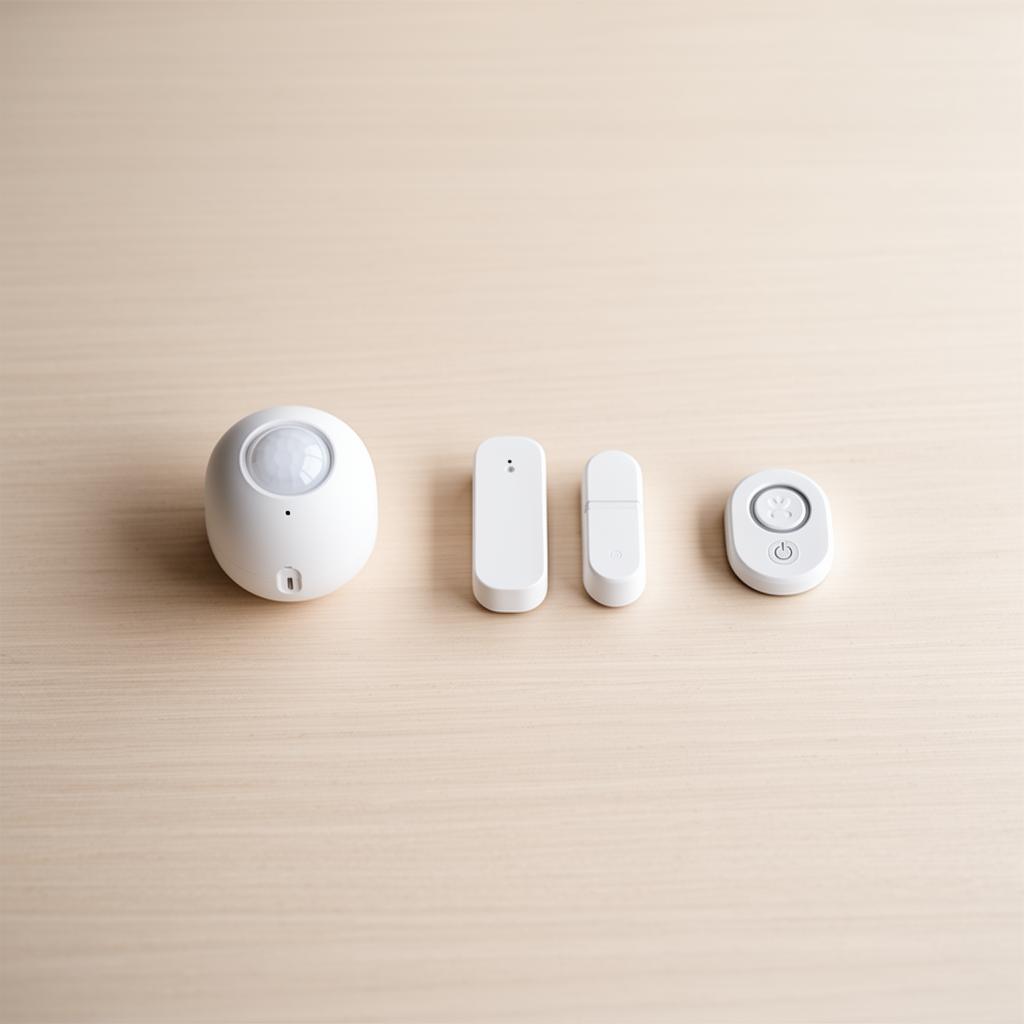
The integration automatically recognises the sensors that can raise an alert. You adjust this via Configure on the integration.
| Category in the portal | Recognised entities |
|---|---|
| Fall detection | binary_sensor with fall, val or valdetectie in its id or name |
| Alert button | binary_sensor, event or button with panic, sos, paniek, noodknop or pendant |
| Smoke / CO | binary_sensor with device class smoke or carbon_monoxide |
| Water leak | binary_sensor with device class moisture |
Sensors that you have already linked in the portal are added automatically.
If your fall detector is called binary_sensor.radar_bedroom, the integration will not recognise it automatically. Choose it yourself: go to Settings → Devices & services → DigiLifeline → Configure and select the sensor under the right category, for example Fall detection. Then reload the integration or restart Home Assistant.
If a monitored sensor becomes unavailable or its battery is at 10% or lower, the integration reports this to the portal. A smoke detector that has gone silent is a risk too.